
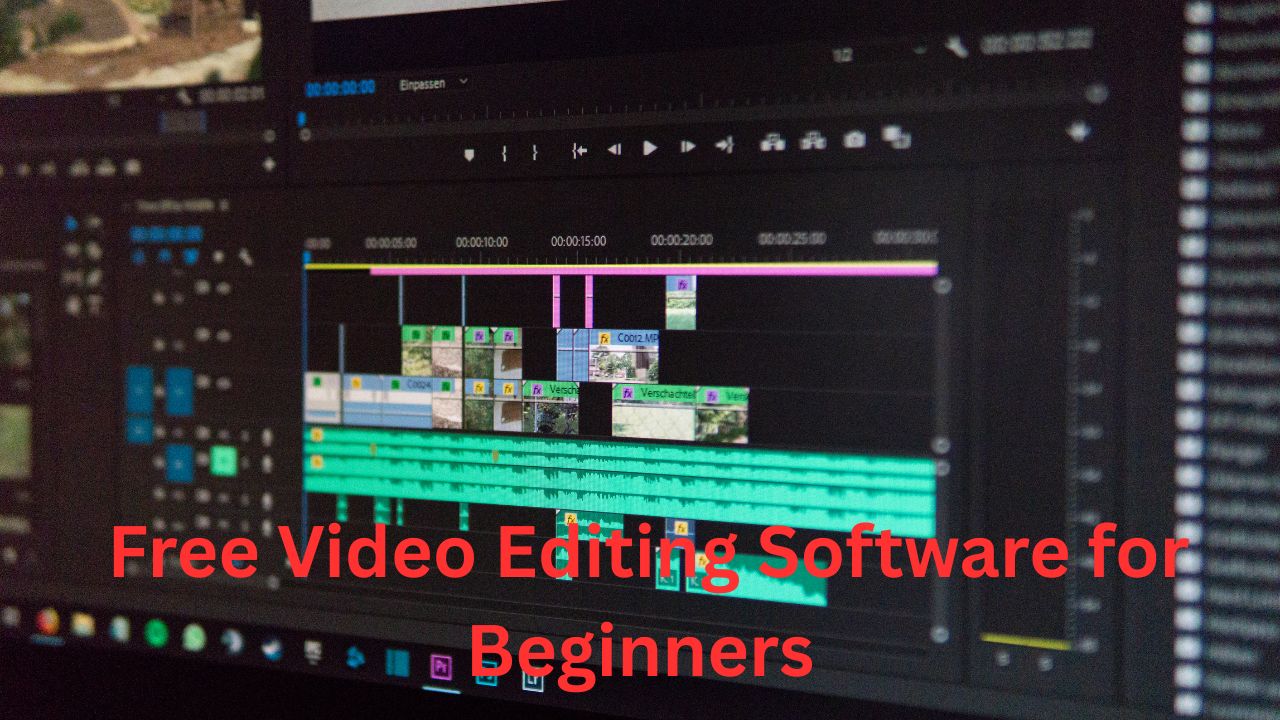
Video editing has become an essential skill for YouTubers, social media creators, students, marketers, and small businesses. Fortunately, beginners do not need an expensive computer or professional editing suite to create attractive videos. Many free video editing software programs provide essential tools such as trimming, transitions, text overlays, audio editing, filters, and basic effects. The best free video editor for beginners should be easy to learn, reliable, and capable of producing high-quality results. In this guide, we explore popular free video editing software options and explain what makes each one useful for new editors.
What Should Beginners Look for in Video Editing Software?
Beginners should prioritize simplicity when choosing video editing software. A clean interface, drag-and-drop timeline, straightforward trimming tools, and accessible export settings can make the learning process much easier. It is also useful to choose software that supports common video formats and resolutions, including Full HD and 4K where available. Other helpful features include templates, subtitles, transitions, screen recording, audio controls, and social-media-friendly aspect ratios. Free video editing software should also have reasonable system requirements so users can work comfortably without purchasing expensive hardware.
1. CapCut
CapCut is a popular choice for beginners who want to create social media videos quickly. Its interface is designed around accessible editing tools, making it relatively easy to cut clips, add text, apply transitions, synchronize audio, and create visually engaging content. Beginners can also benefit from templates and automated features that reduce the amount of manual editing required. It is particularly useful for short-form content intended for platforms such as TikTok, Instagram, and YouTube. However, users should review the current free-plan features and export conditions because software offerings can change over time.
2. DaVinci Resolve
DaVinci Resolve is one of the most powerful free video editing applications available. Although its professional features can initially seem overwhelming, beginners can start with basic editing and gradually learn more advanced tools. The software includes video editing, color correction, visual effects, motion graphics, and audio post-production capabilities. Its free version is particularly attractive to creators who want software they can continue using as their skills improve. New users may need some time to understand the interface, but learning DaVinci Resolve can provide a strong foundation for more advanced video production.
3. Shotcut
Shotcut is a free, open-source video editor suitable for users who want a desktop application without subscription costs. It supports numerous video formats and provides essential tools for cutting clips, adjusting audio, adding filters, and creating transitions. Shotcut works across multiple operating systems, making it a flexible option for beginners using different computers. Its interface may not feel as polished as some newer editors, but the software offers considerable functionality without requiring payment. Beginners can start with simple timeline editing before exploring more advanced filters and settings.
4. OpenShot
OpenShot focuses heavily on beginner-friendly video editing. Its drag-and-drop workflow makes it easy to import media, arrange clips, add transitions, and insert titles. The software is open source and available without a subscription, making it attractive to students, hobbyists, and first-time editors. OpenShot can be particularly useful for simple YouTube videos, family projects, presentations, and basic promotional content. While it may not offer the same depth as professional editing platforms, its straightforward approach makes it a practical starting point for learning fundamental video editing concepts.
5. Kdenlive
Kdenlive is another powerful open-source video editor that combines beginner-friendly editing with more advanced capabilities. Users can work with multiple video and audio tracks, create transitions, apply effects, and manage complex projects. Beginners may initially need to spend time learning its interface, but the software provides room for growth as editing skills develop. Kdenlive is a good choice for users who prefer open-source software and want more control over their projects. Its broad feature set makes it suitable for everything from simple videos to more structured content-production workflows.
6. Clipchamp
Clipchamp provides an accessible editing experience for users who prefer a straightforward workflow. It includes tools for trimming videos, adding text, using templates, editing audio, and preparing content for online platforms. Its integration with the Windows ecosystem can make it convenient for many PC users. Beginners can create basic projects without needing extensive knowledge of professional editing techniques. Before starting a major project, users should check the current free-plan limitations, particularly regarding export resolution, available assets, and branding.
How to Choose the Best Free Video Editor
The best free video editing software depends on your specific goals. If you mainly create short social media clips, an easy editor with templates and automated tools may be ideal. If you want to develop professional editing skills, DaVinci Resolve or Kdenlive may provide greater long-term value. Users who prefer simplicity can consider OpenShot, while those looking for open-source flexibility may prefer Shotcut. Think about your computer’s performance, preferred operating system, video resolution, and the type of content you plan to create before making your choice.
Important Features for Beginner Video Editors
Several features can make video editing significantly easier. Basic trimming and splitting are essential for removing unwanted footage. Text and title tools help communicate important information, while transitions can make cuts feel smoother. Audio controls are equally important because poor sound can reduce the quality of an otherwise excellent video. Beginners should also look for subtitle support, speed controls, filters, and simple color-adjustment tools. Export presets can save time by helping users prepare videos for YouTube, Instagram, Facebook, or other platforms.
Free Video Editing Software for YouTube
YouTube creators need an editor that can handle longer videos, clear audio, titles, transitions, and high-resolution exports. DaVinci Resolve is particularly useful for creators who want advanced control over editing and color. CapCut can be convenient for creators producing short and highly visual content. OpenShot and Shotcut can also handle many basic YouTube projects. When choosing software for YouTube, pay attention to export quality, audio editing, subtitle options, and the ability to manage multiple clips efficiently.
Free Video Editors for Social Media
Social media content often requires quick editing and vertical video support. Beginners may benefit from software that offers ready-made templates, captions, effects, filters, and easy resizing. CapCut is widely associated with short-form content workflows, while other editors can also be used to create vertical videos by manually selecting the appropriate project dimensions. Before exporting, check whether the editor supports the aspect ratio required by your target platform. Planning the video around mobile viewing can also improve framing, text readability, and overall engagement.
Tips for Learning Video Editing as a Beginner
Do not try to learn every editing feature at once. Start by importing a few clips, arranging them on a timeline, trimming unnecessary sections, and adding background music. Once those basics become comfortable, practice transitions, text overlays, color adjustments, and audio balancing. Short projects are excellent for learning because they allow you to experiment without spending hours editing. Watching tutorials can also accelerate your progress, but practical experience is more important than simply watching other people edit. Try recreating simple editing techniques until the workflow becomes natural.
Avoid Overusing Effects and Transitions
One common beginner mistake is adding too many effects. Excessive transitions, animations, filters, and sound effects can distract viewers from the actual content. Good editing should support the story rather than compete with it. Use transitions when they help connect scenes, and apply visual effects only when they serve a clear purpose. Clean cuts, readable text, balanced audio, and appropriate pacing often create a more professional result than a video filled with complicated effects.
Improve Audio Quality
Clear audio is one of the most important elements of a successful video. Even free editing software can provide useful tools for adjusting volume, reducing certain unwanted sounds, and balancing music with speech. Keep background music quieter than narration and avoid sudden changes in volume between clips. When possible, record voiceovers in a quiet environment and position the microphone appropriately. Spending a few extra minutes improving audio can make beginner-created videos feel considerably more polished.
Check Export Settings Before Saving
After finishing an edit, carefully review the export settings. Select an appropriate resolution, frame rate, file format, and quality level based on where the video will be published. For many online videos, Full HD is a practical choice, while higher resolutions may be useful when the original footage supports them. Avoid unnecessarily large files when they provide no meaningful improvement in quality. Always watch the exported file before publishing it to ensure that the audio, text, transitions, and video quality look correct.
Final Thoughts
The best free video editing software for beginners is ultimately the one that matches your goals, computer, and learning style. CapCut, DaVinci Resolve, Shotcut, OpenShot, Kdenlive, and Clipchamp each provide useful options for different types of creators. Beginners should start with fundamental editing skills rather than focusing on complicated effects. With regular practice, even free video editing software can help you create polished YouTube videos, social media clips, tutorials, presentations, and personal projects. Choose one editor, learn its basic tools, and gradually expand your skills as your confidence grows.





Leave a Reply